
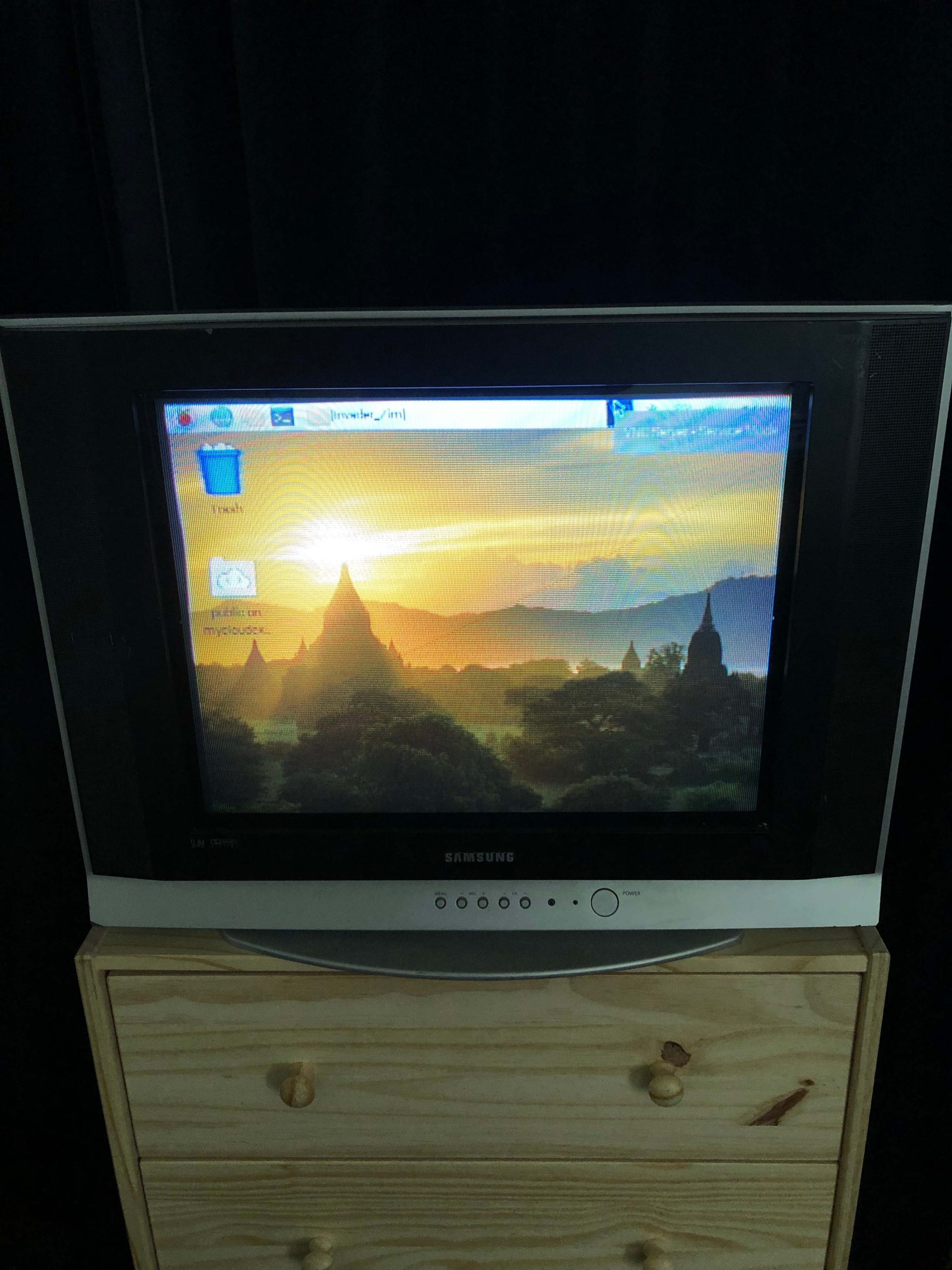
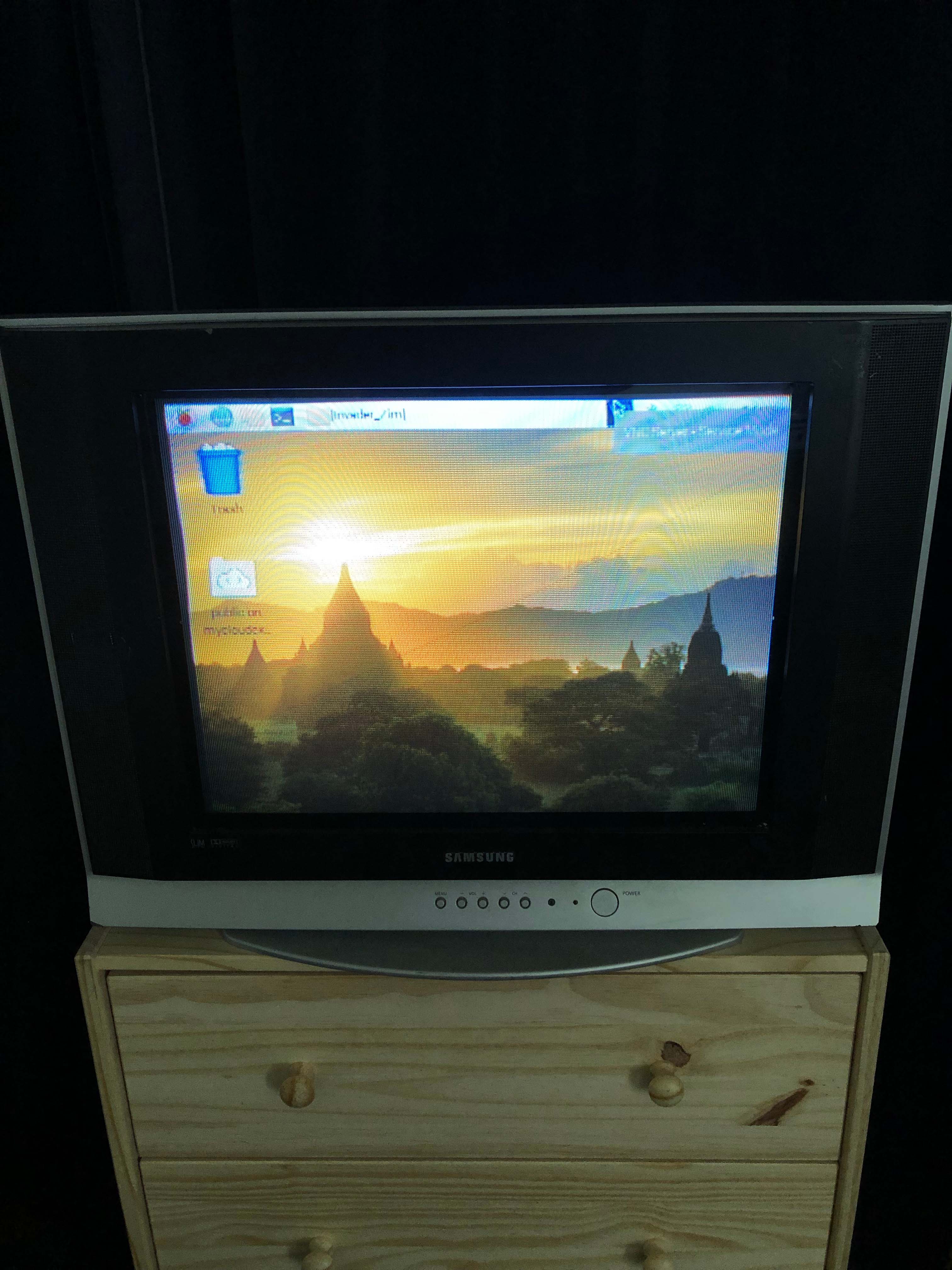
Ever since I first learned of its existence in 2018, I love Raspberry Pi and all of the community surrounding it. I was gifted a Raspberry Pi Zero W by a family friend who received it for free with a purchase at a local Micro Center and wasn’t sure what I would do with it. It sat on my desk for almost a year before I finally found the time and energy to consider it.
Ultimately, I had always loved that rPi still maintains a TV out port (AKA RCA or composite) connection on all their boards. The second rPi 3B+ I ever had, I turned into a RetroPie connected to an old Samsung CRT TV that I picked up at a local Goodwill to experience old gaming on the intended screen (HDTVs make old console gaming look terrible IMO). I ultimately gifted that rPi3B+ to the same family friend who had given me the rPi Zero W. Once I finally found the wherewithal to think about rPi Zero W projects and learning about what others have done with it, I ultimately decided to use it as a home entertainment device for the Samsung CRT TV which is located in the bedroom at this point.
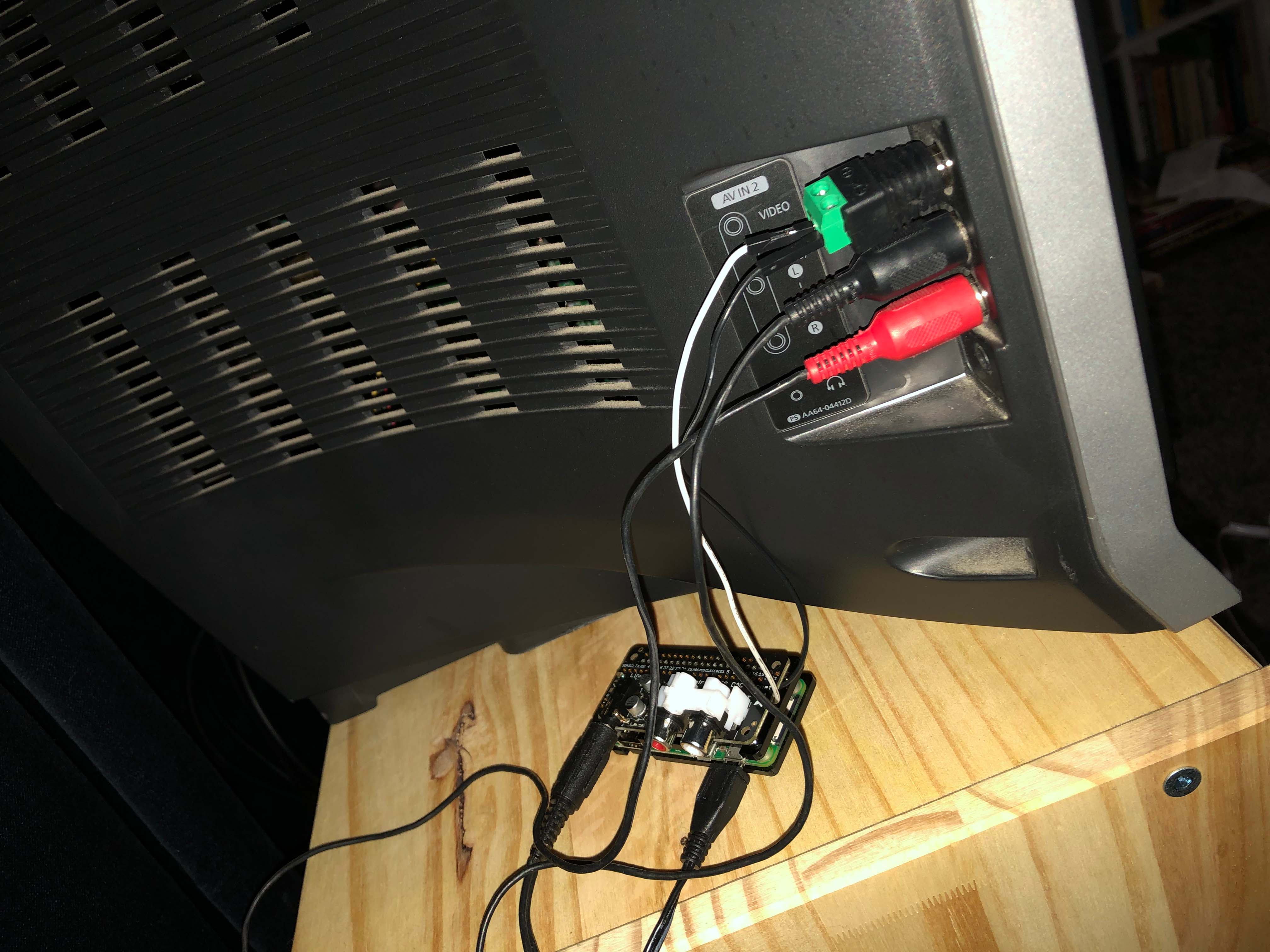
As a side project, I had been playing around with connecting an rPi 4 to CRT and struggled with the overscan settings on and off for about two months. At first I thought it was because pi4 vs pi3 hardware. When it turned out to also be a problem with the rPi Zero W composite out, I researched the issue on and off for about two weeks. Then, one unnecessary rPi 3B+ kit purchase later, (I say unnecessary because the supply of standalone rPi boards don’t exist at the moment in the USA with the continuing supply chain issues), I confirmed that something between Buster and Bullseye had changed. Turns out that Buster and Bullseye kernels handle overscan settings differently. Eventually I found the solution and then proceeded to think about how to connect the rPi Zero W to CRT.
First, I took a dive into (re)learning how to solder. Once I felt comfortable and confident enough, I went ahead and soldered all GPIO pins onto the rPi Zero W. It’s not pretty looking, but it got the job done. After acquiring the correct product for composite video connection using rPi Zero W from Adafruit, I tested the TV out connection, configured the config.txt, (modifed Bullseye for overscan settings according to the solution) and it worked! I was finally able to connect the rPi Zero W to the old CRT only to realize a major oversight in all my tinkering and learning: sound out to the TV. I found many a tutorial and many a pHAT that would suffice ultimately settling on Adafruit’s I2S Audio Bonnet for Raspberry Pi – UDA1334A.
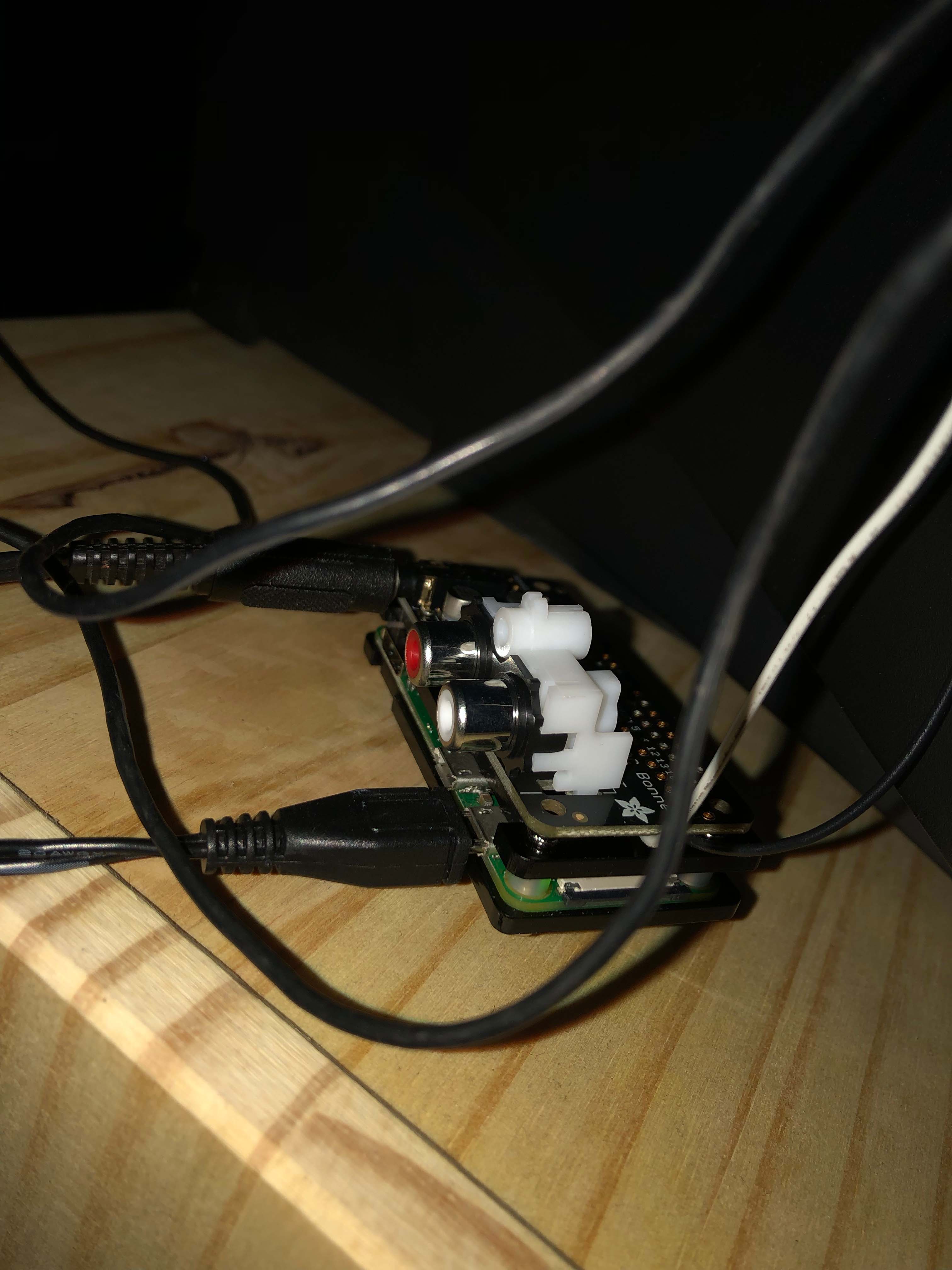
The rPi Zero W case which I had purchased was not going to allow the wires to sit properly given the low clearance with the audio pHAT. Thus I decided to strip the wires and direct solder them to the TV out pins (and ground). Since I was at it, I also soldered the RCA audio jacks to the audio pHAT. With that, the rPi Zero W had both audio out and TV out connections.
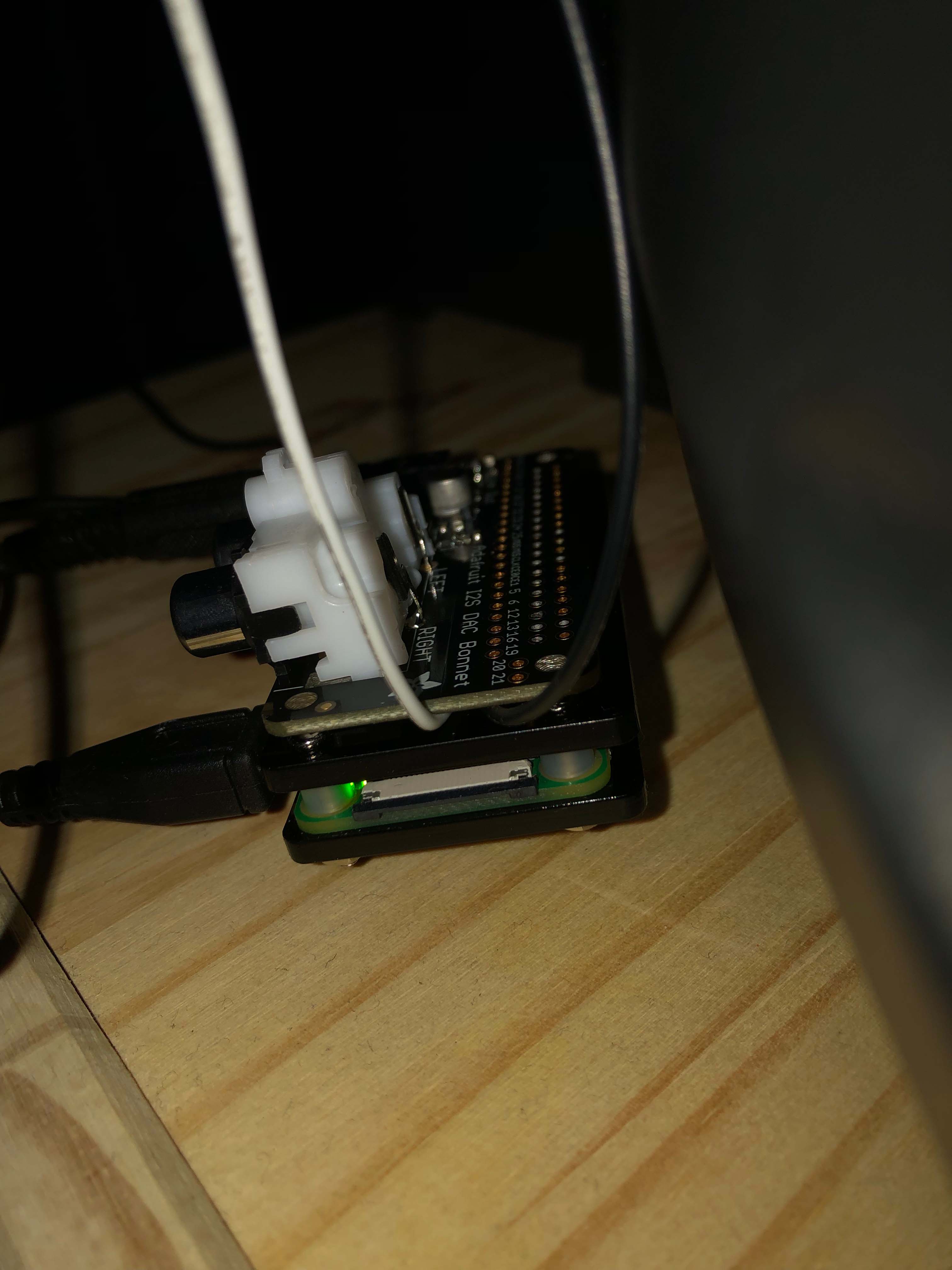
Configuring the sound to work took a little while, but ultimately, I had to manually add in two lines of code to the config.txt manually (I have copied that portion of the tutorial below):
If you see a line that says: dtparam=audio=on

Disable it by putting a # in front.
Then add:dtoverlay=hifiberry-dac
dtoverlay=i2s-mmap
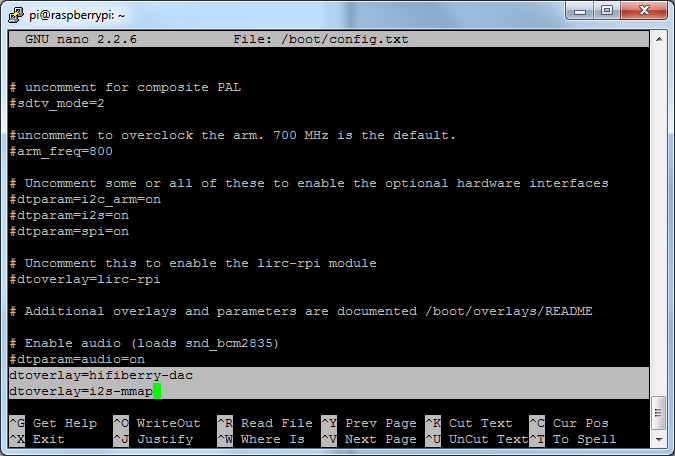
Save the file.
I use VNC Viewer app on my phone as a remote, but I suppose a Bluetooth mouse and keyboard or remote might suffice instead. I suppose to I might look into Kodi on rPi Zero W, but for now, Raspbian seems to work (except for some mp4 files for some reason…)
What a wonderful world we live in. Now I can watch old shows from my networked HDD on my CRT TV in my room at the end of the night . The 480p or lower quality of the older TV shows (Invader Zim and Spongebob at the moment) suddenly looked very sharp like I remembered watching it growing up. Thus completes the cycle of life I suppose seeing as my grandparents (who are now in their 80s) still watch TV in their room on a CRT TV every night.

Leave a Reply